Honest about being AI
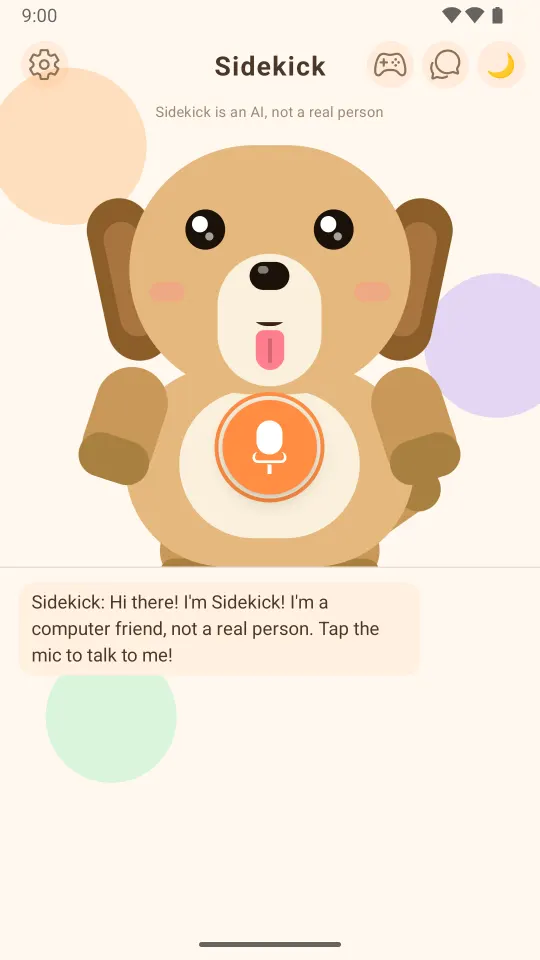
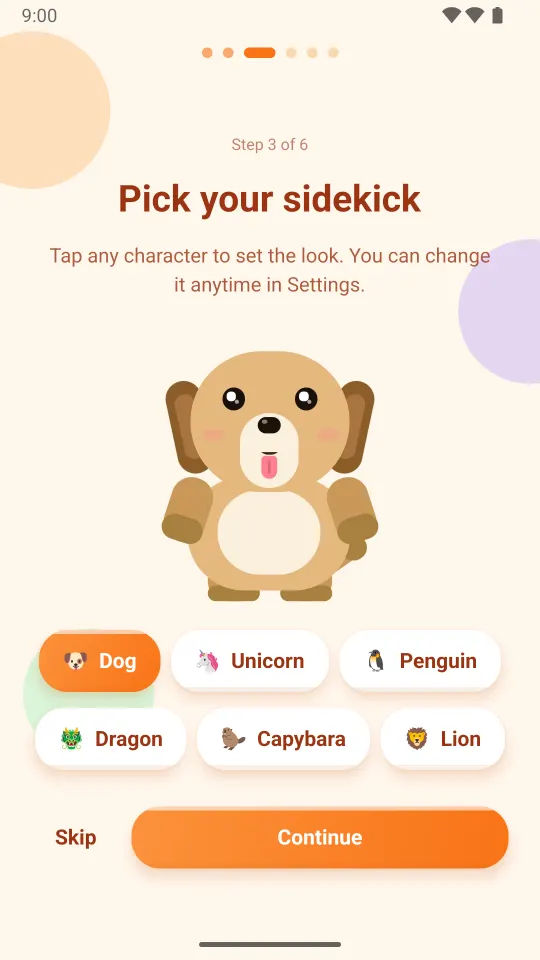
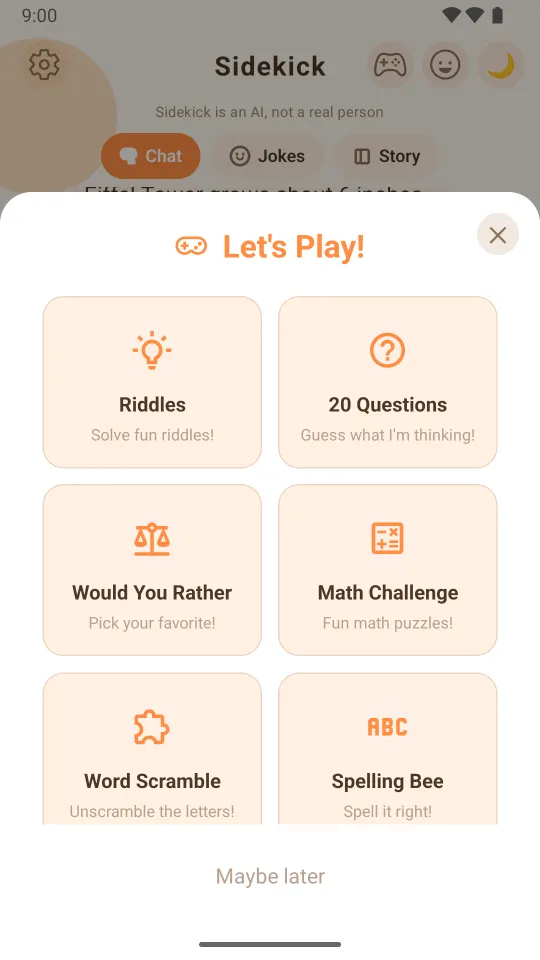
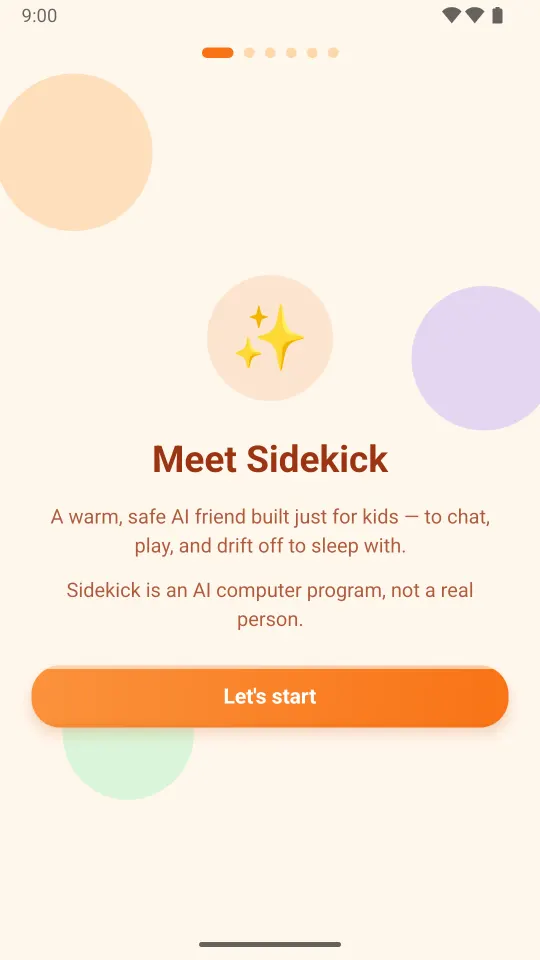
Sidekick says it's a computer, not a real person, on the welcome screen, at the top of the home screen and in its own greeting.
Checked before and after every reply
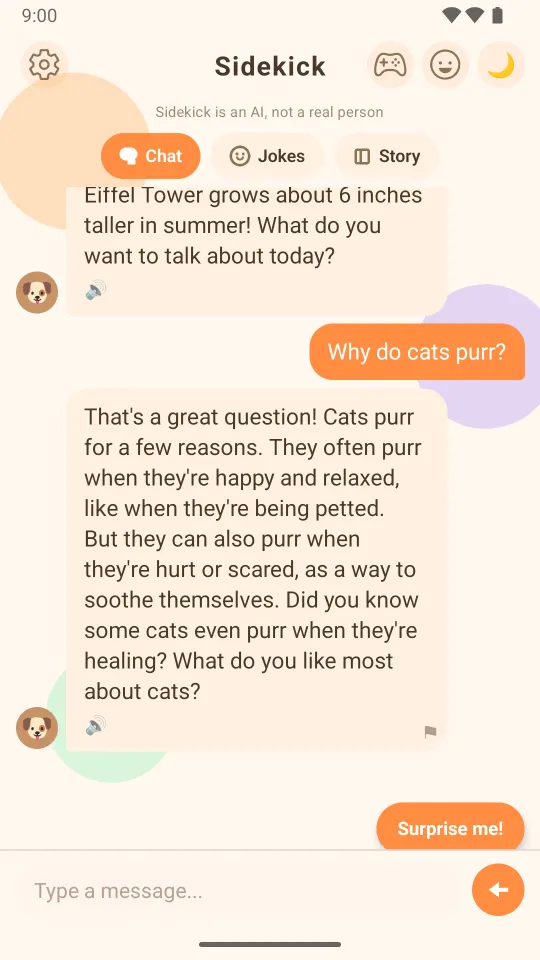
Messages go through safety filters and moderation. Sidekick keeps to topics that suit young children and steers away from anything scary or grown-up.
Personal details stay out
Messages containing a phone number or email address are blocked, and links, phone numbers and email addresses are removed from replies.
Worrying moments reach you
If a child mentions self-harm or abuse, Sidekick replies with a fixed, reviewed message telling them to talk to a trusted grown-up, and a critical alert appears on your dashboard.
A parent dashboard
See each child's minutes and messages for the day, recent safety alerts, and any replies your child flagged.
One tap to flag a reply
Every Sidekick reply has a small flag, so a child can report anything that felt mean, scary or wrong.
Break reminders
After 15 minutes of chatting, Sidekick suggests taking a break.
Grown-up settings stay locked
Account, dashboard and language settings sit behind a quick grown-up check.
No ads, nothing to buy
No advertising, no in-app purchases, and the Android advertising ID is blocked.
No chatting with strangers
Kids talk only to Sidekick. There are no social features and no way to message other users.
Delete everything, any time
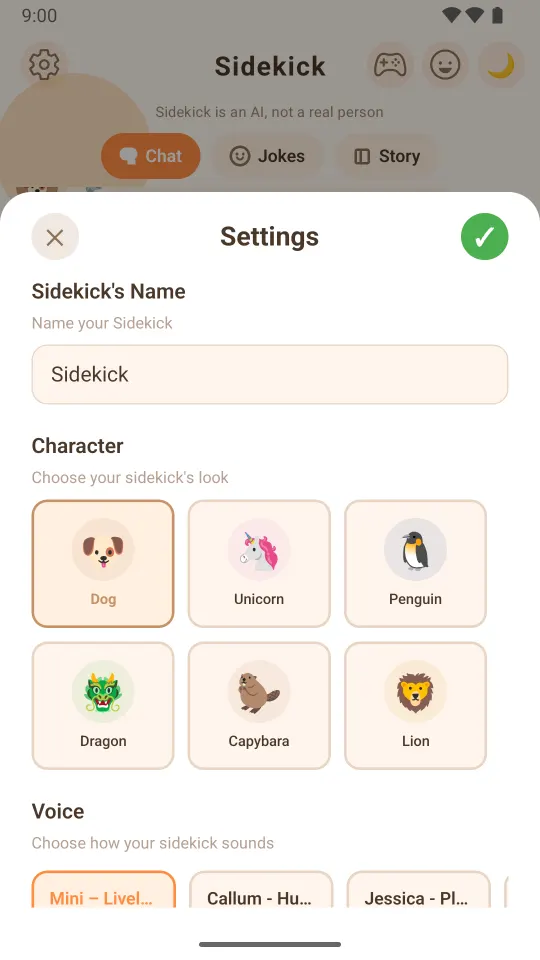
Delete a child profile, or the whole account with every conversation, story, alert and cloned voice, straight from Settings.
Usage data without the words
The usage stats we keep to improve the app record things like which feature was used and for how long, never what your child said.